
EmStat Blue battery replacement
Follow this procedure to replace the battery on your EmStat Blue.
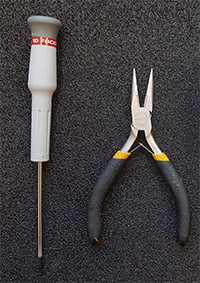
Required tools:
- Screwdriver: flat-head or Torx-8, if instrument was purchased in 2018
- Pliers (recommended)
1
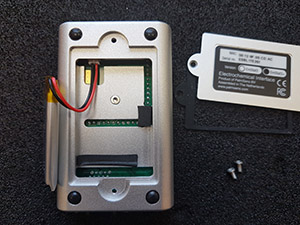
2
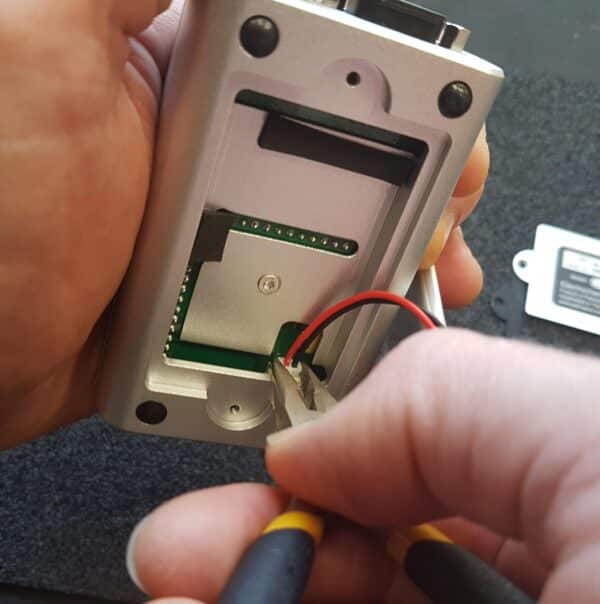
3
Place the new battery and close the housing.