




Introduction to MethodSCRIPT
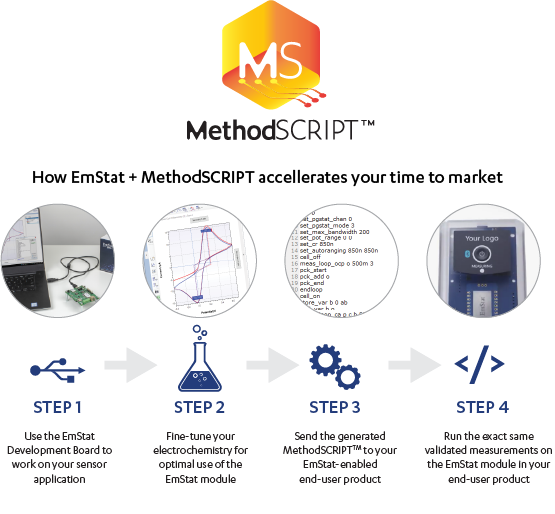
MethodSCRIPT™ is a programmer-friendly scripting language that runs directly on your potentiostat of potentiostat module, giving you precise control over all key measurement parameters, timing, logic, and I/O. It enables you to rapidly integrate our instruments and OEM modules into your lab automation setups, embedded systems, and your end‑products.
- No libraries needed
- MethodSCRIPT runs directly on the instrument or module, eliminating the need for DLLs or any other external code libraries.
The MethodSCRIPT language supports all standard electrochemical techniques and allows you to combine, sequence, and customise them to build tailored measurement workflows.
More MethodSCRIPT features include:
- Custom signal generation and data acquisition
- (Nested) loops and conditional logic support
- Precise timing control
- Data smoothing and peak detection
- Simple mathematical operations
- Digital I/O for external triggers or device interaction
- Logging measurement results to internal storage or an external SD card
- Entering and waking from hibernation mode
- Reading auxiliary values like pH or temperature
- and many more…
“MethodSCRIPT is one of the most enjoyable methods I’ve used so far and I recommend it to everyone who wants to work with electrochemistry.”
João Paulo C. Costa, Ph.D. candidate in Electrical Engineer at the University of São Paulo
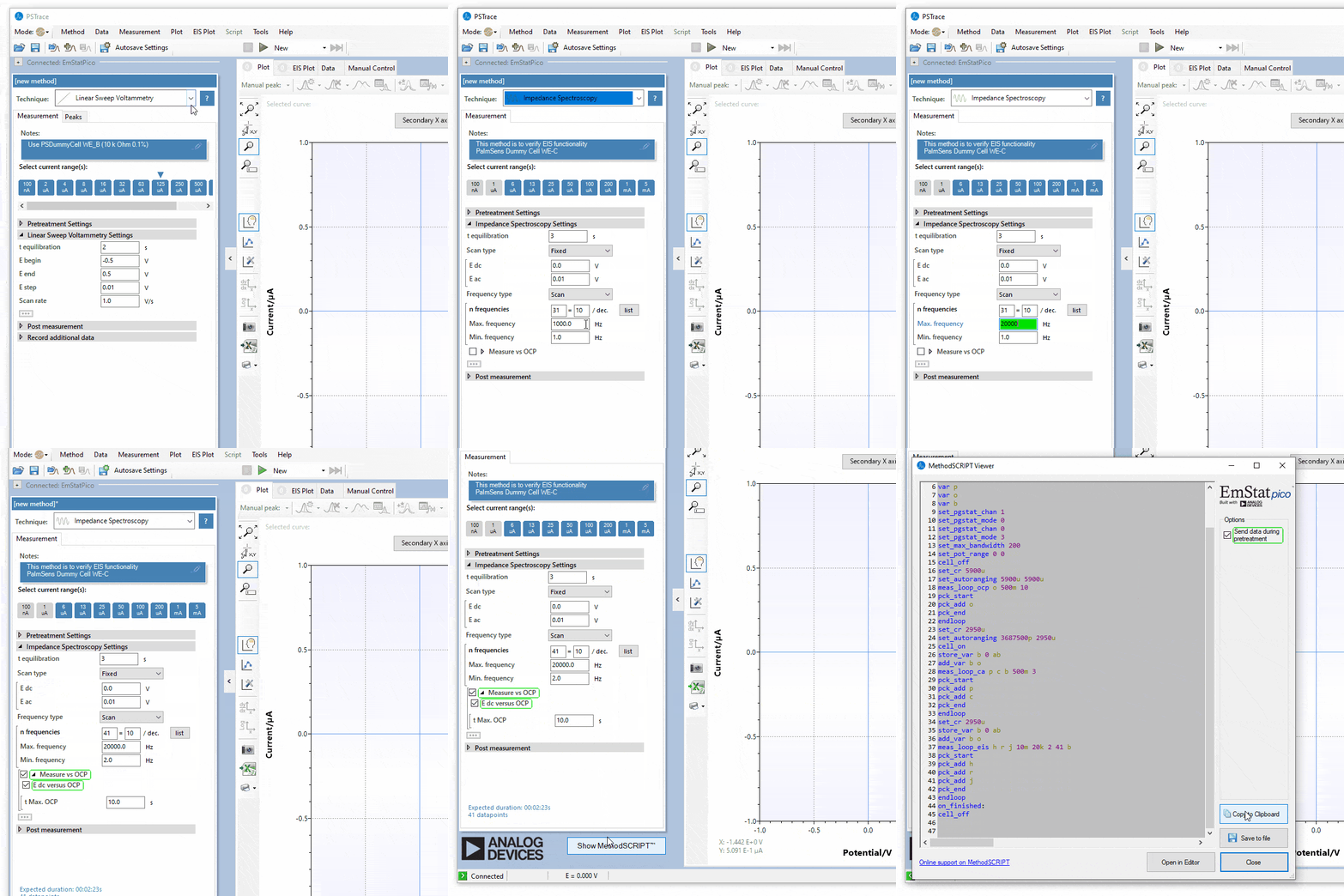
Generating MethodSCRIPT in PSTrace for Windows
MethodSCRIPT can automatically be generated in PSTrace for Windows. If you are connected to any device supporting MethodSCRIPT, a button will be visible that allows you to generate the MethodSCRIPT code using the parameters as you have set in the Method Editor of PSTrace. This allows you to easily integrate the measurement with the exact settings from the editor into your software development project.
Edit MethodSCRIPT in PSTrace

Visual MethodSCRIPT Editor
The new Visual MethodSCRIPT Editor makes it easier than ever to create MethodSCRIPT for our instruments. With an intuitive drag-and-drop interface, you can build complete methods by selecting commands, arranging them in the correct order, and instantly seeing the structure of your script. This visual workflow speeds up method development, reduces errors, and helps you get from idea to measurement faster, without needing to manually write the code.
The Visual MethodSCRIPT Editor is integrated in PSTrace 5.12 and later.
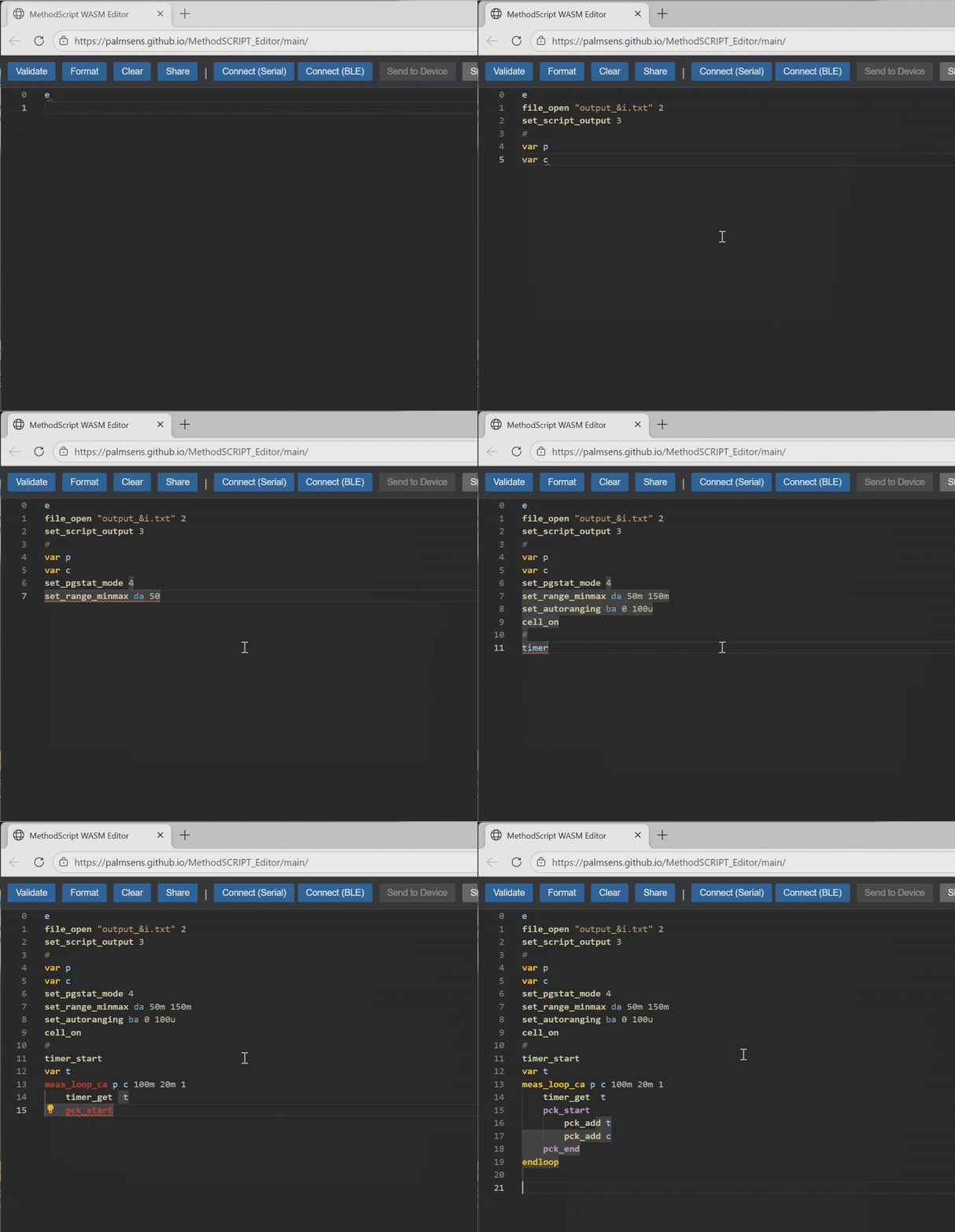
Online MethodSCRIPT Editor with intellisense
Our online MethodSCRIPT Editor lets you quickly create and edit MethodSCRIPT directly in your browser—no installation required. It includes IntelliSense support, offering helpful auto-complete suggestions and command hints as you type, so you can build methods faster and with fewer errors.
Run the script directly from your browser, or copy it into the PSTrace MethodSCRIPT Editor.
Online MethodSCRIPT Editor
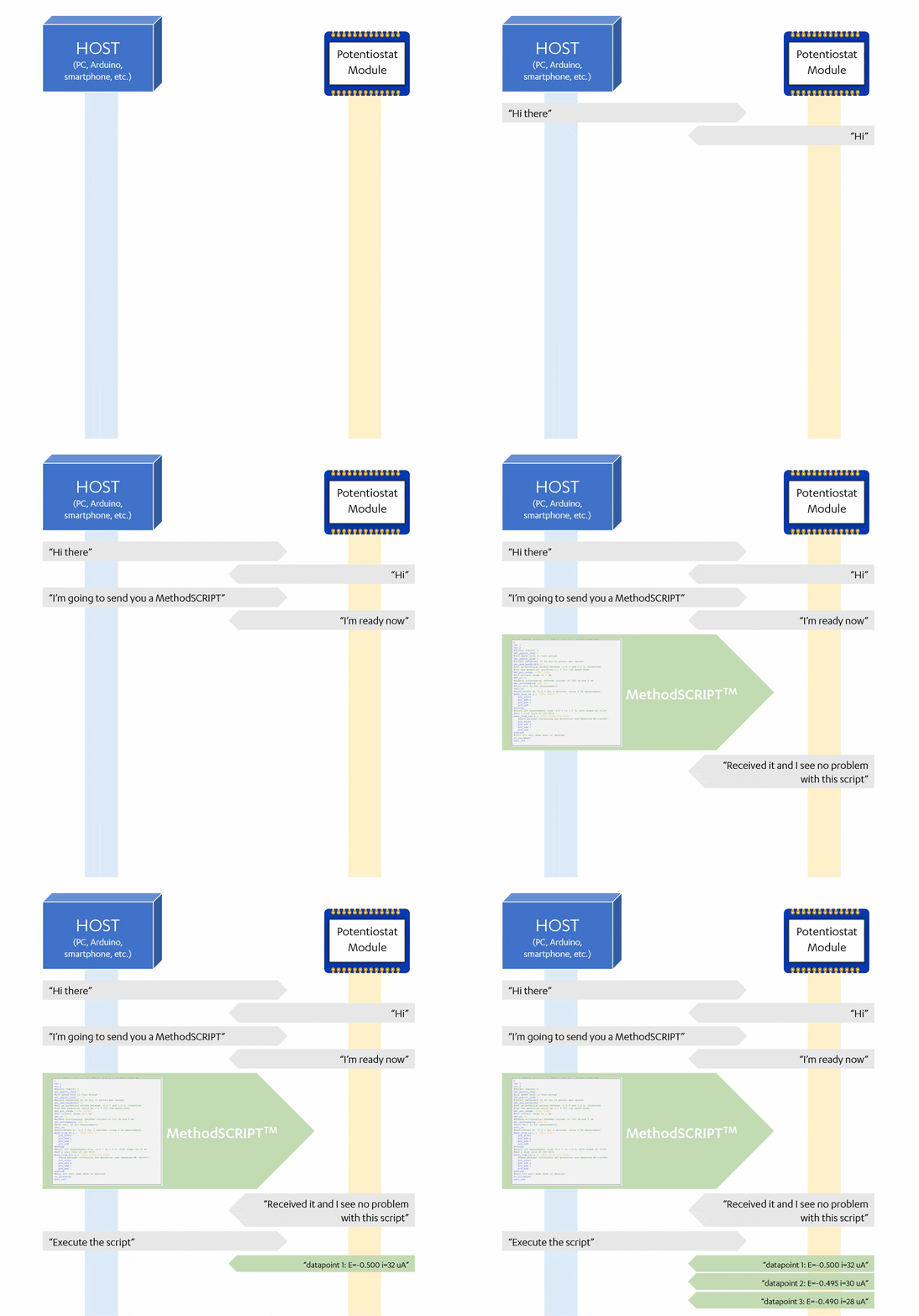
Use MethodSCRIPT with Python and other languages
Code examples for C, C#, Python, Arduino, iOS and Android demonstrate how to implement communication with our instruments and devices.
The examples demonstrate some of the following functionalities:
- Establishing a connection with the device
- Send a MethodSCRIPT to the device
- Read and parse the measurement data packages from the device
A detailed explanation for each of the code examples can be found in their corresponding “Getting Started” documents. Please refer to the MethodSCRIPT Manual for more detailed information and code examples.
Code examples on GitHub
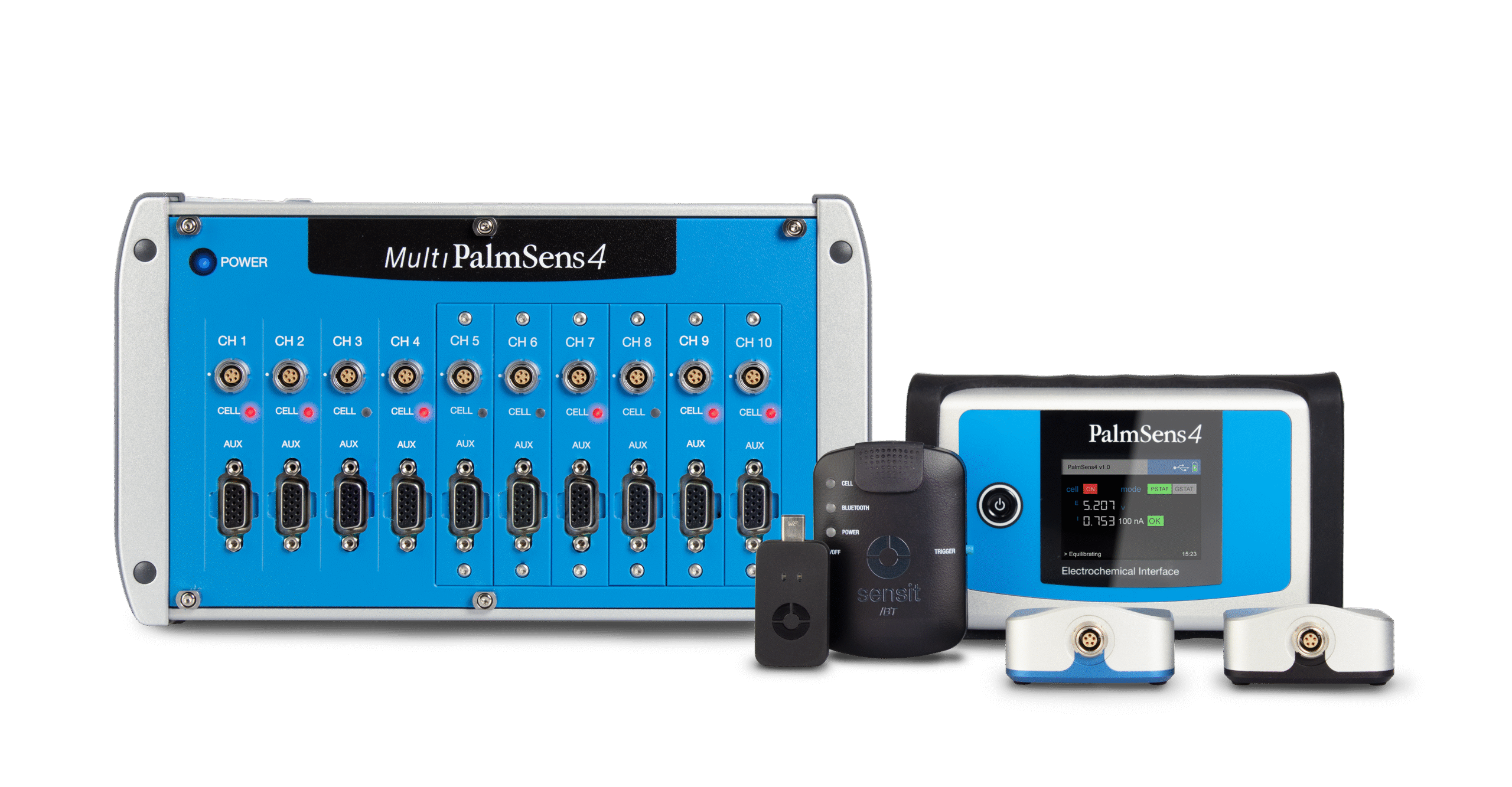
Compatible devices
The following models support MethodSCRIPT™:
- Sensit series (Sensit Smart, Sensit BT, Sensit Wearable)
- EmStat Pico series (EmStat Pico Module, EmStat Pico Core, EmStat Pico MUX16)
- EmStat4 series (EmStat4 MUX, EmStat4S, EmStat4R, EmStat4X, EmStat4T, MultiEmStat4), both LR and HR
- Nexus
Devices that do not support MethodSCRIPT can still be controlled with custom software using our many available SDKs.
PalmSens SDKs