


Lablink Hub
Seamless instrument sharing, robust data buffering and storage
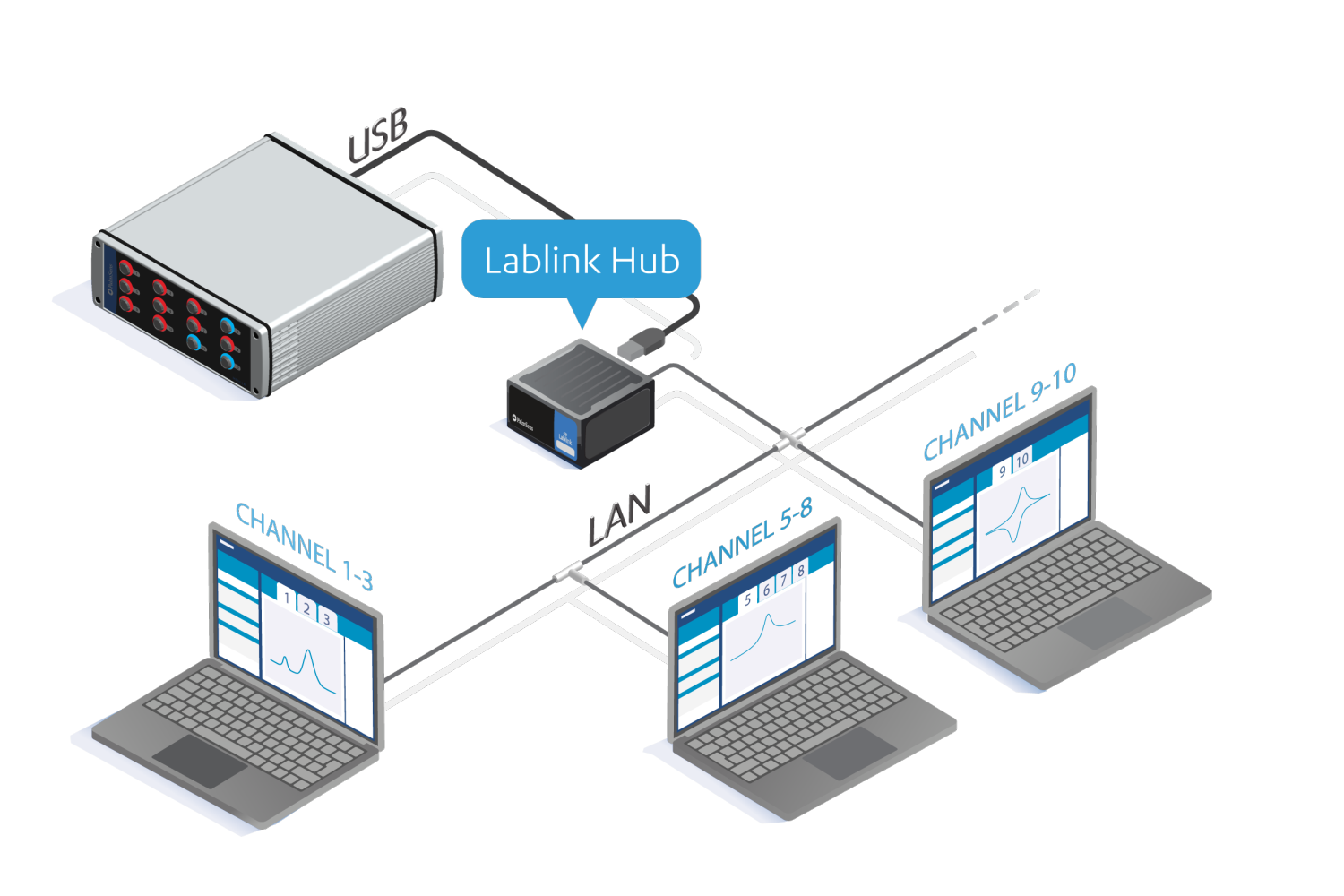
- Share instruments or channels
- Robust data buffering
- Automatic, Fast and Reliable data storage
- Great for long duration measurements
- Control and monitor your experiment from anywhere in the Local Area Network
 You'll usually get an answer to your quotation request within one business day.
Use Lablink in your Local Area Network
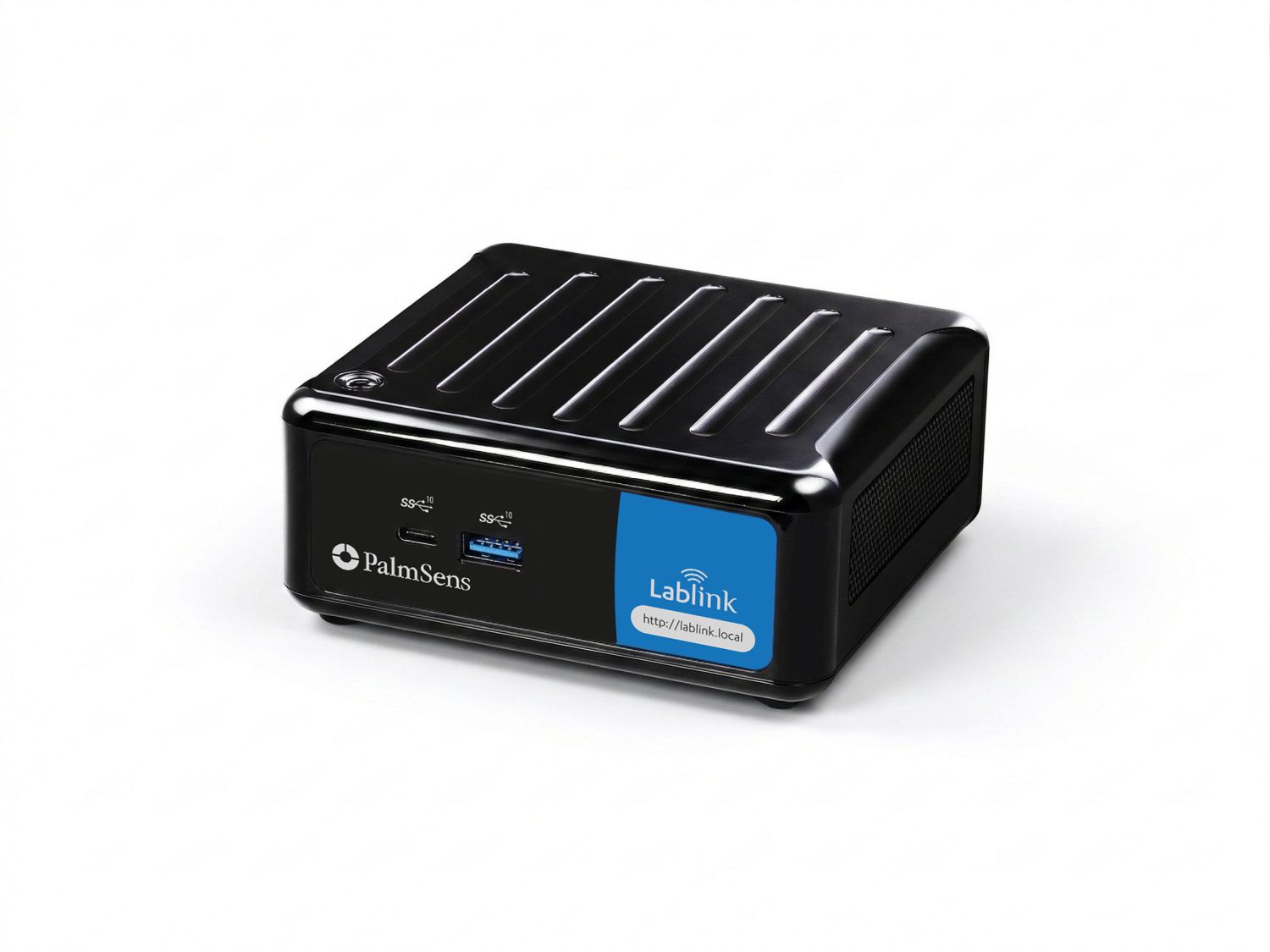
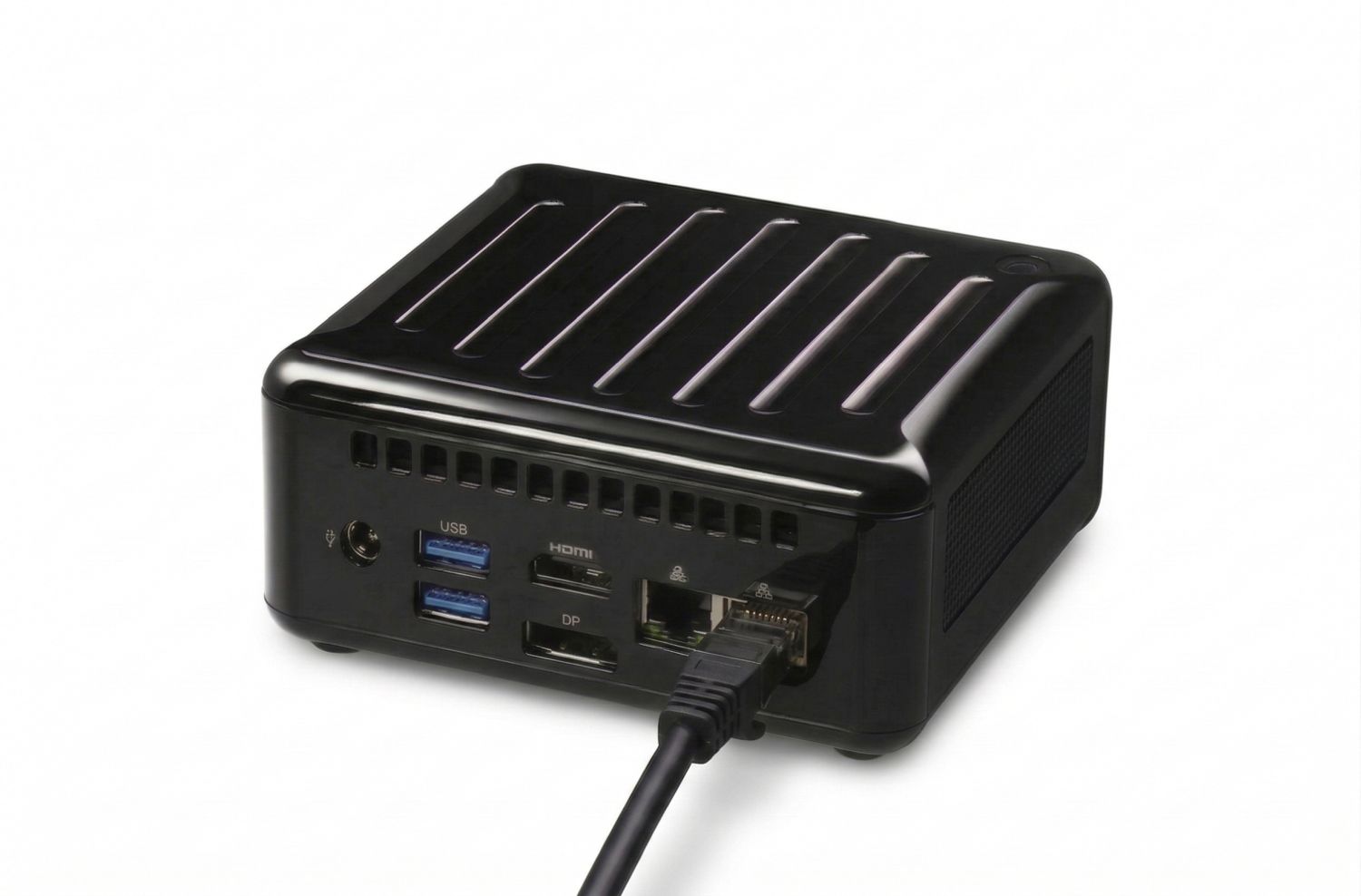
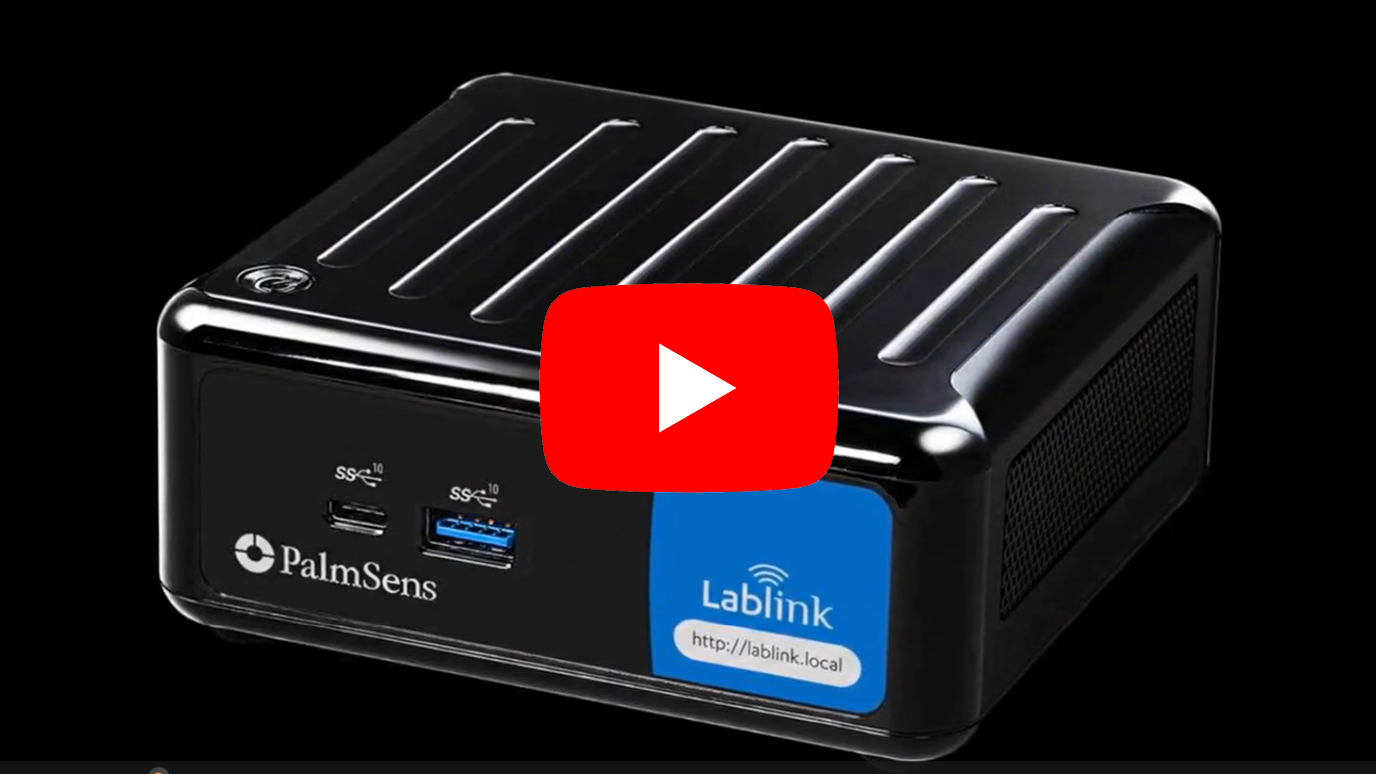
The Lablink Hub is a dedicated instrument server to streamline electrochemical research. It acts as the bridge between your hardware and the local area network (LAN), allowing standard PalmSens instruments to interface with the Lablink platform.
The Lablink Hub enables multiple users to access and share instruments with ease. It takes control of measurements for maximum reliability, even during long experiments, while securely storing all data. Lablink brings flexibility, speed, and control to your electrochemical research, helping teams work smarter and achieve more.


Sharing channels
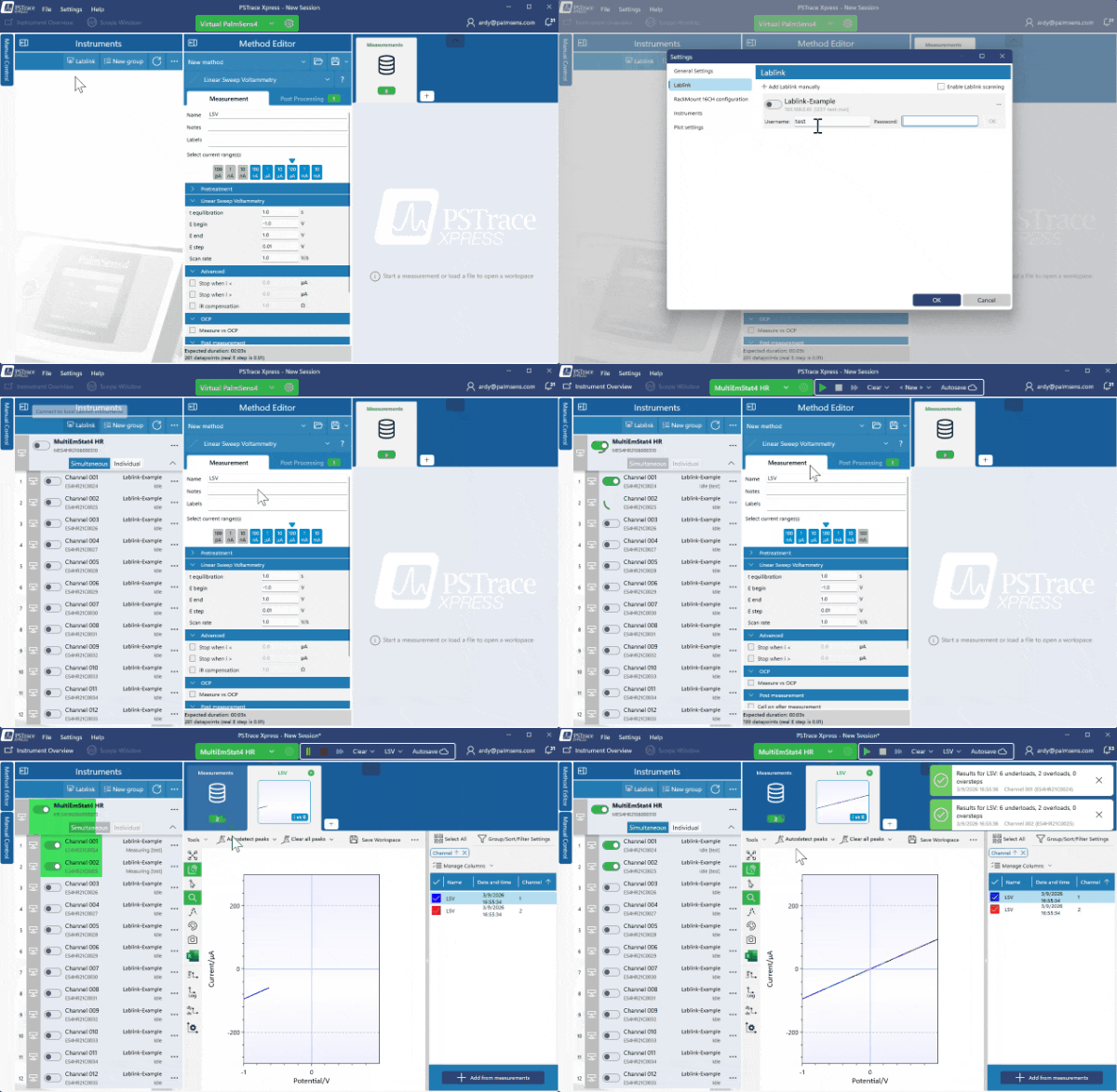
- Connect conveniently register new users via a web browser.
- When a user connects to an instrument or channel via Lablink in PSTrace, other users will immediately see that it is unavailable. The channel becomes available again once the original connection is closed and no measurement is running.
- Reserve channels or instruments via the claim button.

Automatic, Fast and Reliable data storage
All measurements performed via the Lablink Hub are automatically stored on its internal SSD. This ensures that anyone within the LAN can access the data and load it directly into our PSTrace software for Windows.

Uninterrupted measurements
The Lablink Hub ensures that your measurements continue running even if PSTrace for Windows is closed. When you reconnect to the instrument or channel, you’ll see all data from the start, with live updates continuing in the plot. Your experiment remains uninterrupted, giving you peace of mind during long or unattended measurements.

Compatibility
The Lablink Hub works exclusively with PSTrace Xpress for Windows and can be used with the following instruments from PalmSens BV:
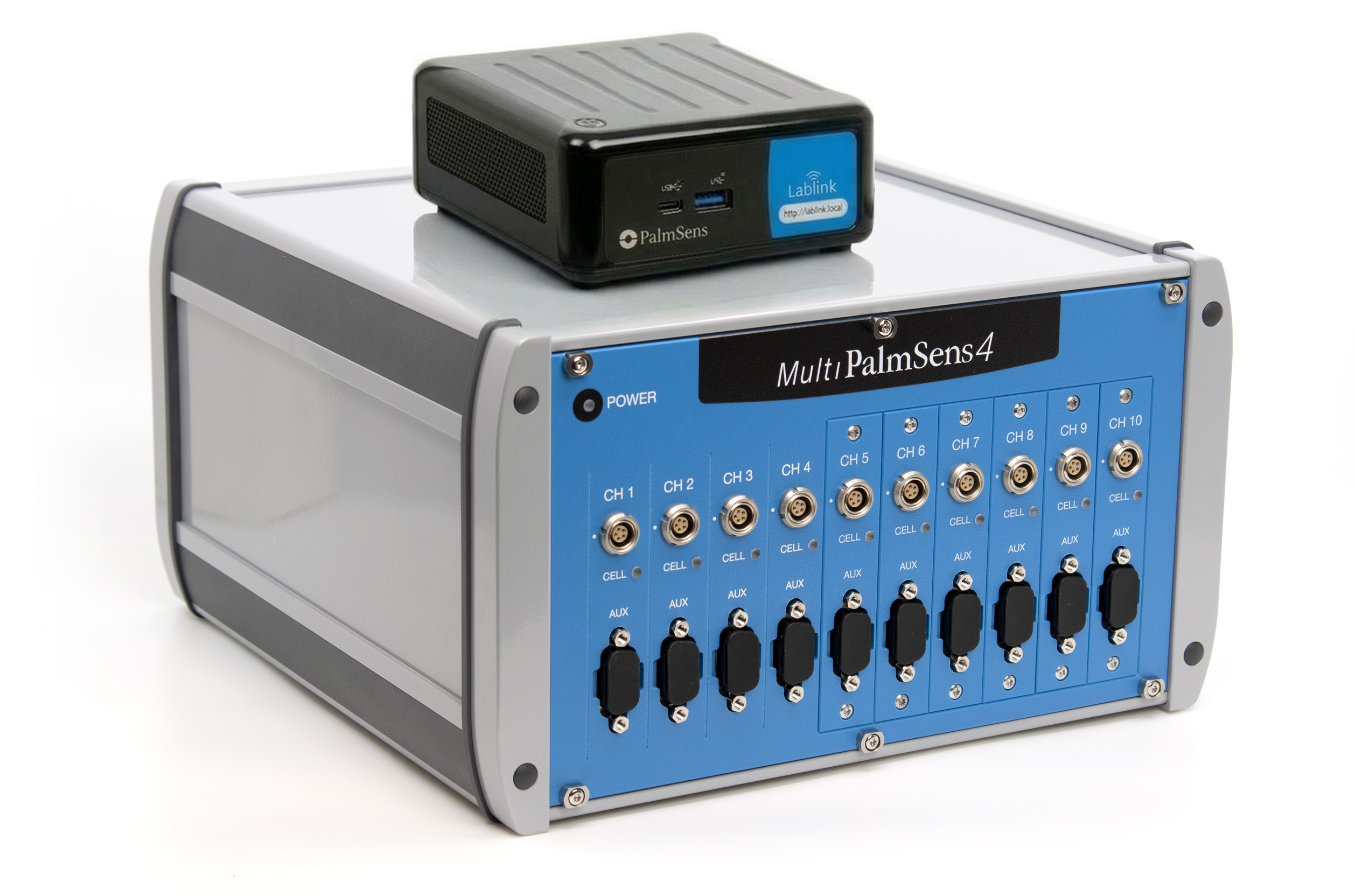
- MultiPalmSens4
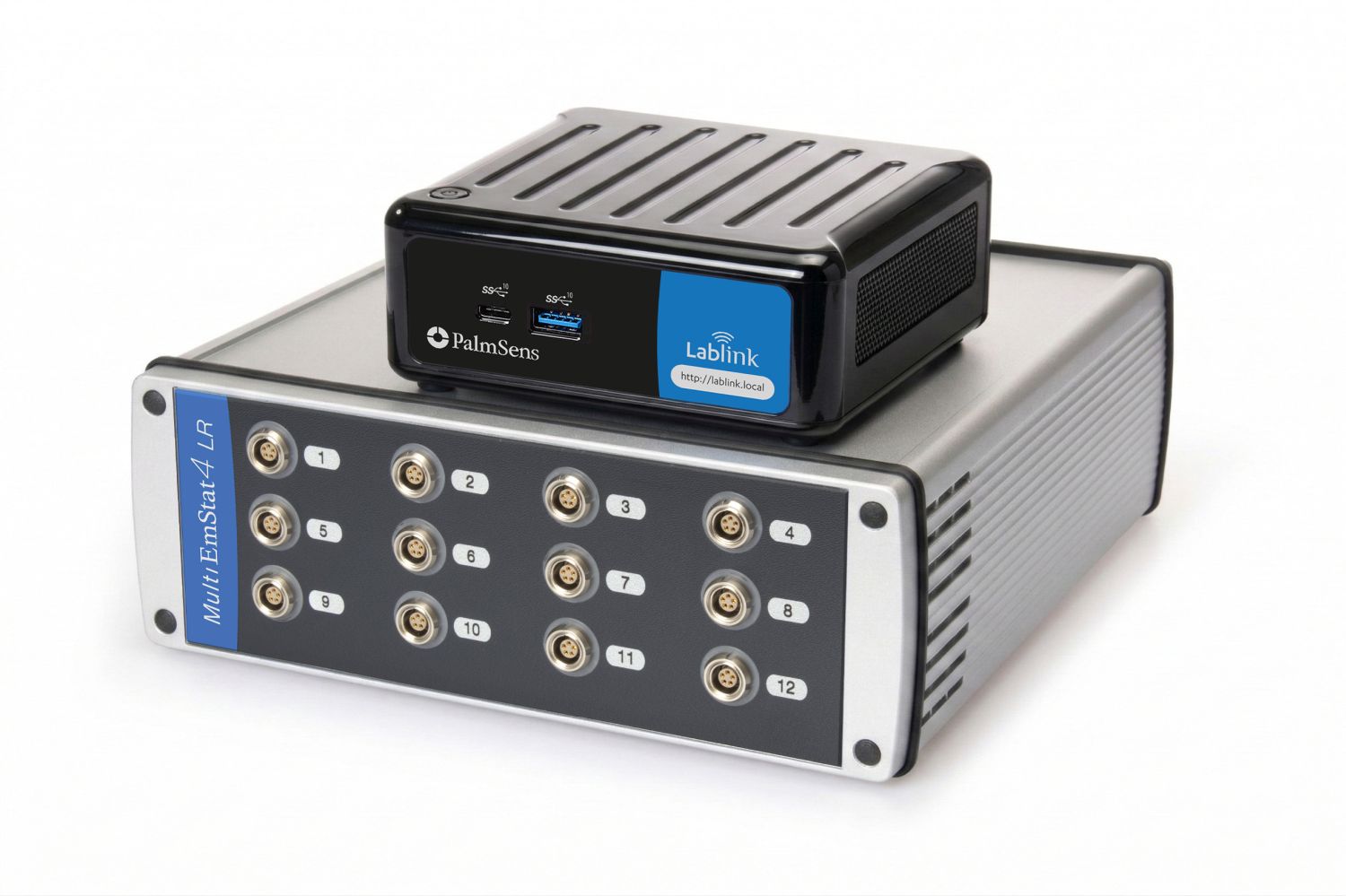
- MultiEmStat4 LR and HR
- PalmSens4
- EmStat4S LR and HR
- MultiEmStat3 and 3+
- EmStat3 and 3+
- Sensit-series
Connecting via the Lablink Hub
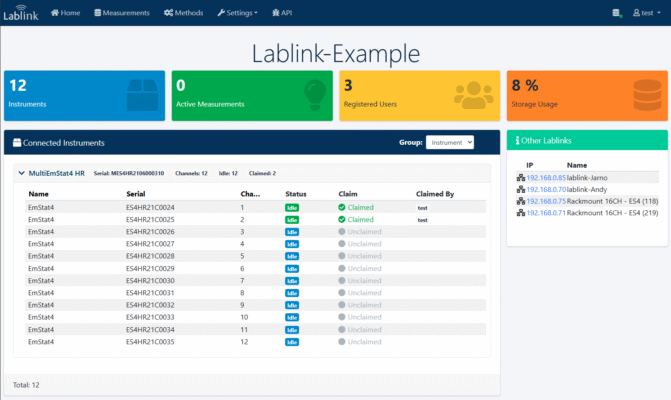
All Lablink Hubs in the Local Area Network can be accessed via http://lablink.local (hosted locally on every Lablink Hub). Here you can see which Lablink Hubs are available, you can register on a Lablink Hub and you can get an overview of the available users, data and running measurements.
Specifications
| Main specifications | |
|---|---|
| Max. channels / instruments | Up to 24 (for example 2x MultiEmStat4 12-channel or 24 single channel instruments) |
| USB Ports | 4 (optionally expandable by means of a USB hub) |
| Operating System | Linux |
| Power | AC adapter 100-240 V, 50-60 Hz, 1.6 A (included) |
| WLAN (Wireless Network) | Wi-Fi 6 802.11ax |
| LAN (Local Network) | 10/100/1000 Mbps |
| Ethernet Connector | RJ-45 |
| Storage | 512 GB (internal SSD) |
| Operating Temp | 0 ºC ~ 40 ºC |
| Storage Temp | -40 °C – 85° C |
| Operating Humidity | 5% ~ 90% |
| Storage Humidity | 5% ~ 90% |
| Mounting | VESA-compatible bracket (standard 100×100 mm) |
| Dimensions | 117.5 x 110.0 x 47.85 mm³ (4.63″ x 4.33″ x 1.88″) |
| Weight | ~1.0 kg |
| Certifications | CE (Europe), FCC (USA) |
| Product code (SKU) | C-LABHUB-S512C-R8C |
Downloads
| Name | Type | Last updated | |
|---|---|---|---|
| Lablink Hub Brochure The Lablink Hub is a dedicated instrument server to streamline electrochemical research. | Documentation | 25-03-26 |