
Application Notes
Articles
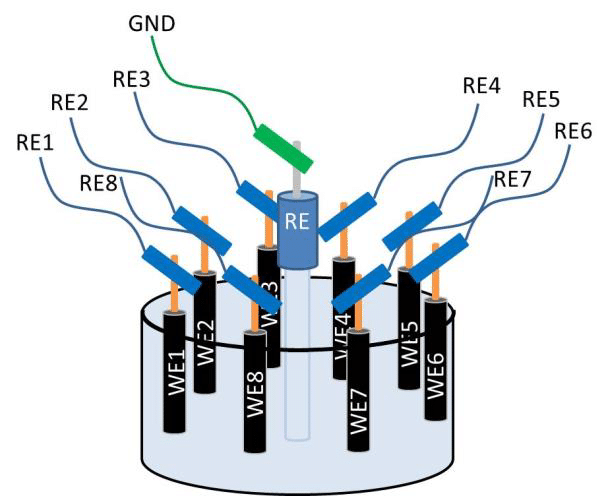
Open Circuit Potential measurements with a MUX8-R2
The multiplexer MUX8-R2 offers the possibility to record reliable Open Circuit Potential (OCP) measurements in the Alternate mode, which allows to monitor the OCP of multiple samples over time with a single potentiostat. In this application note it is demonstrated how to setup and perform an OCP measurement with the MUX8-R2 in the Alternate mode.
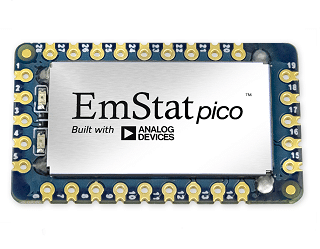
Potentiostat System on Module
This is an article published by Analog Devices on their website about the EmStat Pico its advantages and application examples.
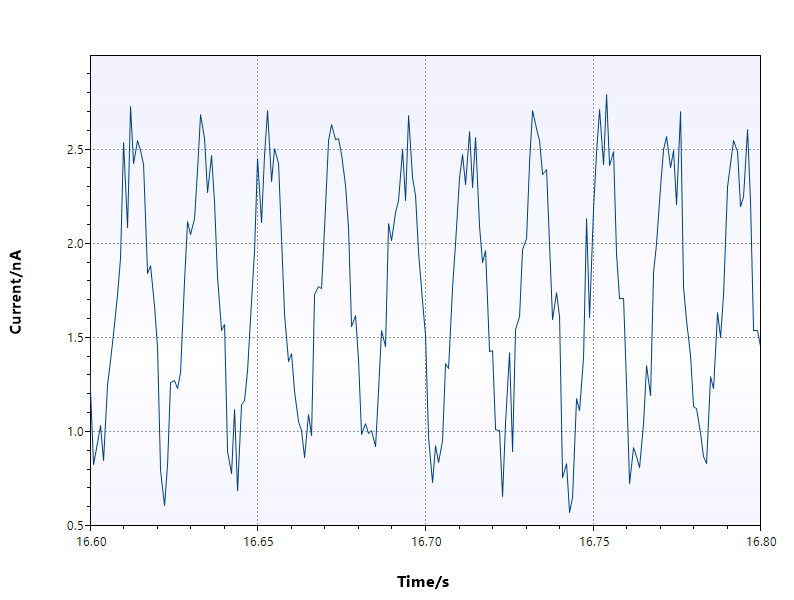
Impact of Noise on DPV and SWV
In this application note, the influence of noise on a measurement using a differential pulse technique is demonstrated.
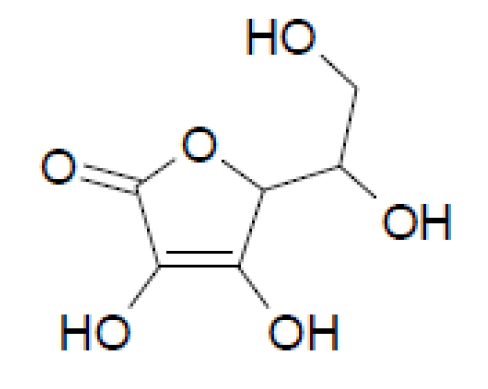
Vitamin C Detection with ItalSens IS-C
This application note describes how to create a calibration for quantitative measurements of vitamin C. Due to the detailed description and harmless solutions this an excellent electrochemical experiment with liquids for beginners in the field of electrochemistry.

Limitations for EIS on EmStat Pico
Potentiostatic and Galvanostatic EIS
What is GEIS? When to use GEIS or PEIS?

Connect SensitBT using wireless communication
This application note describes various ways to connect the portable SensitBT using wireless communication. To connect using Android you can use PSTouch, in Windows you can use PSTrace or MethodSCRIPT. In iOS you can use MethodSCRIPT.
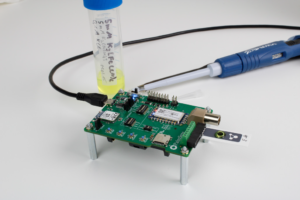
pH Measurement using EmStat Pico
This article shows the ease of integration of the device into a system and demonstrates the range of applications of the potentiostat module by detailing three different electrochemical measurements: OCP (pH), cyclic voltammetry, and EIS.
Use wireless communication on the EmStat Pico dev board

Arduino MKR Zero with EmStat Pico dev board
This document describes how to connect an Arduino MKR Zero to the EmStat Pico development board
Wireless communication module for EmStat3 OEM
Describes how to use the Wireless communication module for EmStat3 OEM
PalmSens4 Connecting via Bluetooth
This document shows how to connect the PalmSens4 via Bluetooth to PSTrace (for Windows) or PStouch (for Android)
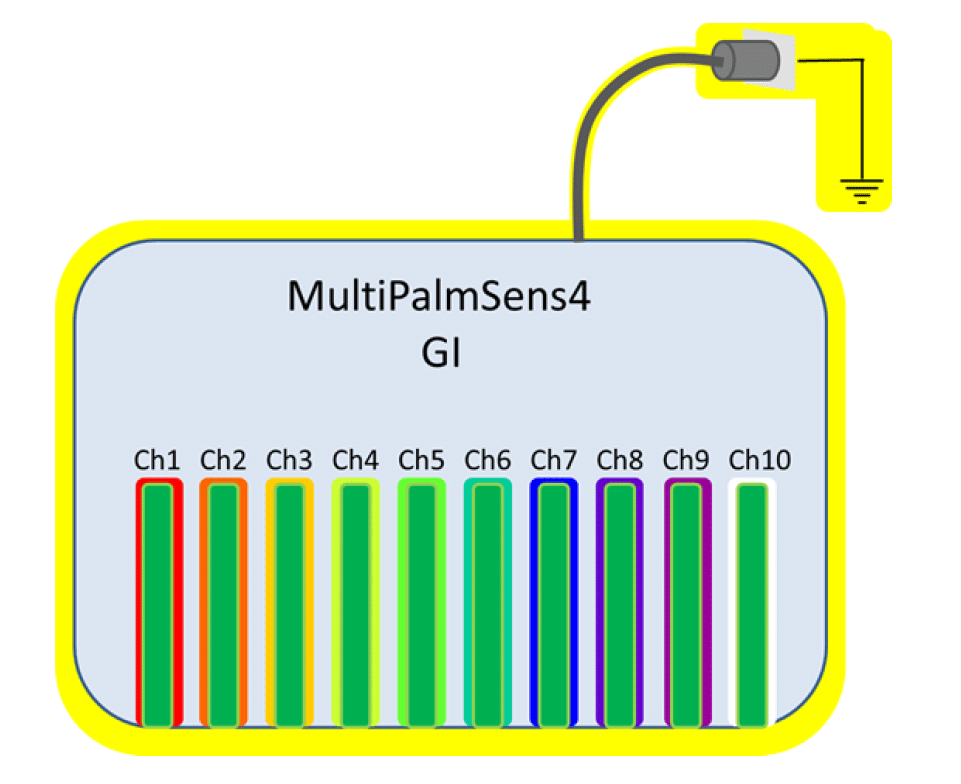
Galvanic Isolation
In this application note the galvanic isolation options are discussed for the different PalmSens instruments as well as the effect of galvanic isolation on your measurement.
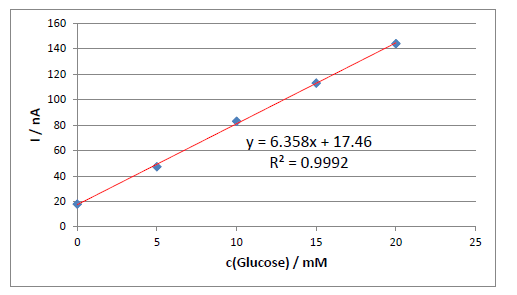
Sensit Smart Glucose Calibration Curve
This app note shows how to measure glucose concentrations using the Sensit Smart
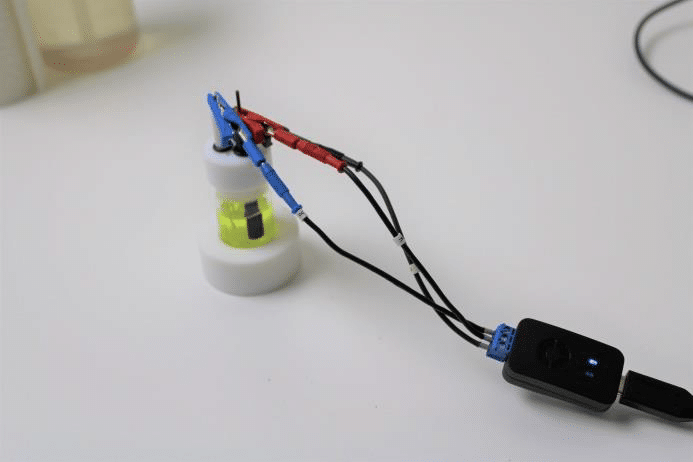
How to connect cables to Sensit Smart
Explains how to connect cables to the Sensit Smart