
Tutorials
Articles
PSTrace & MultiTrace Tutorial #21 – How to never lose your data with Autosaving?
Electrochemical measurement can take hours or even days. If your PC restarts or crashses, you don’t want to lose any data. This tutorial will explain how to regulary save yo...

PSTrace Tutorial #20 – How to perform Stripping Techniques with a potentiostat?
If you need to measure more then one channel sequentially, a multiplexer is what you need. In this tutorial you will learn what stripping techniques are, and how to perform them w...
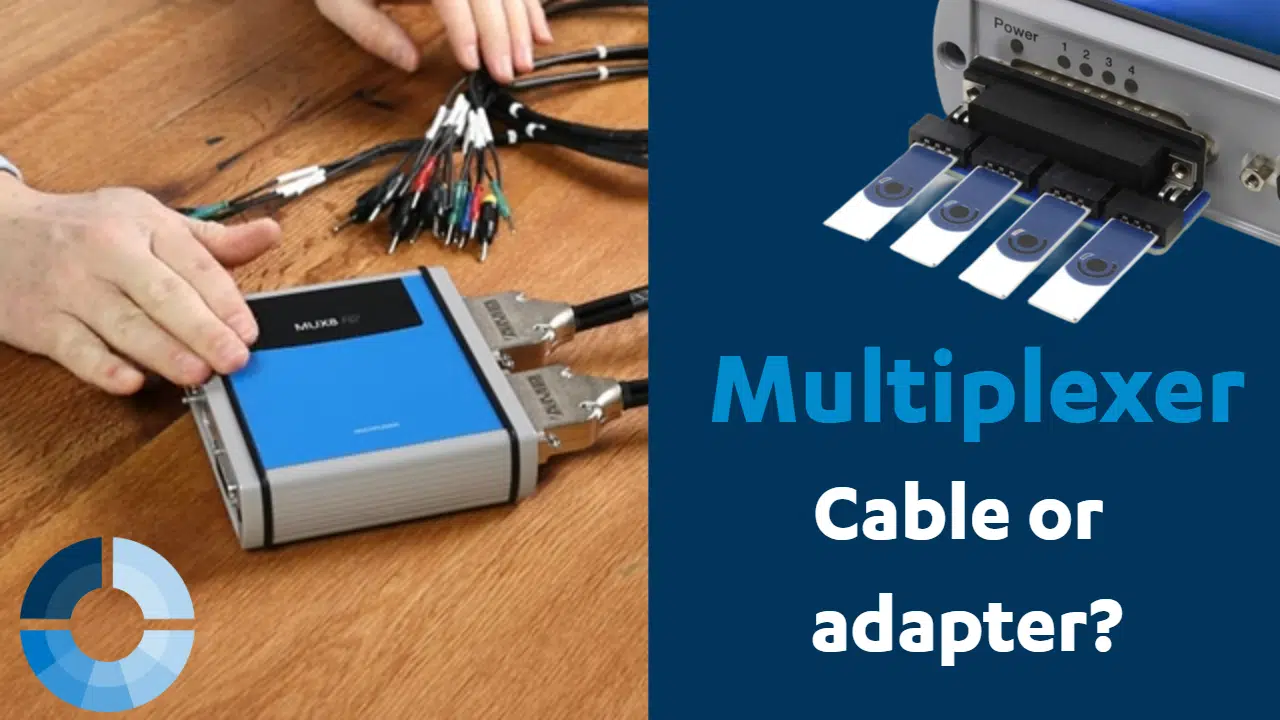
Multiplexer: Get to know the four different options to connect electrodes
A multiplexer is a great way to expand the number of channels of your potentiostat. But how to connect electrodes? In this video Lutz Stratmann will show four different options on...

PSTrace Tutorial #19 – How to operate a Multiplexer?
If you need to measure more then one channel sequentially, a multiplexer is what you need. In this tutorial you will learn what a multiplexer is, how to connect and operate the mu...
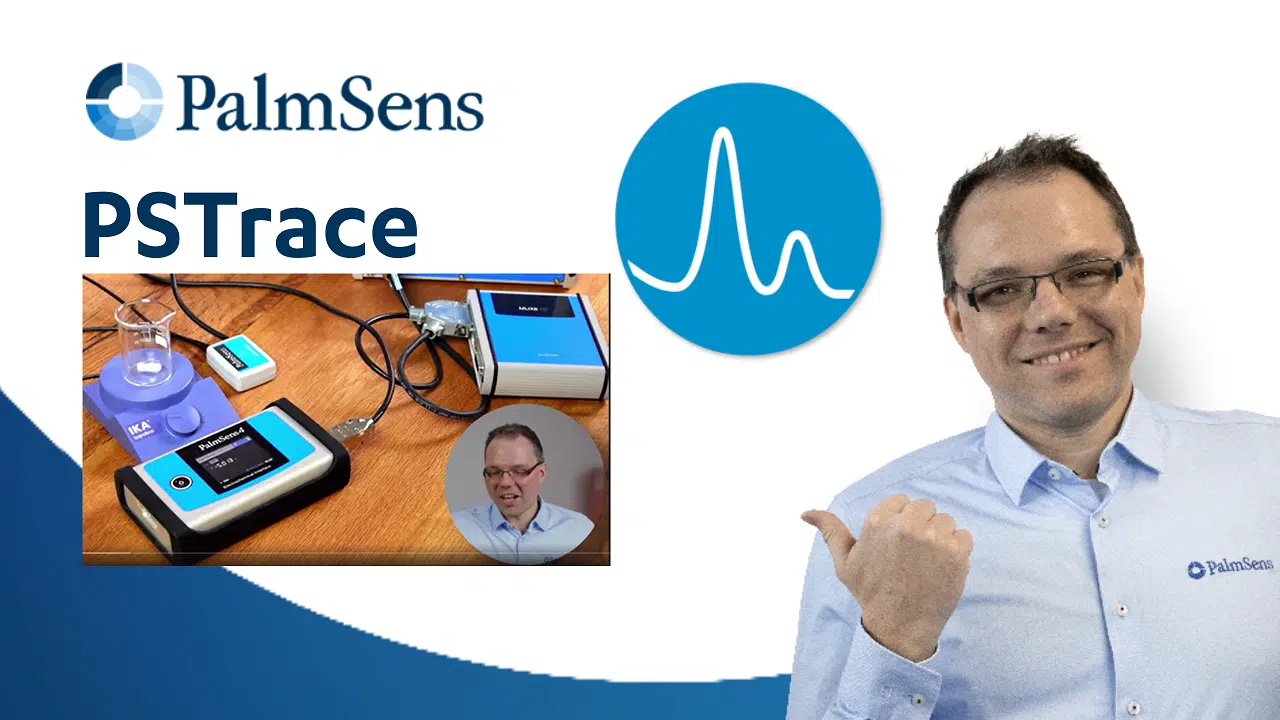
PSTrace Tutorial #18 – Connect a stirrer, multiplexer or a custom sensor to a potentiostat
PalmSens potentiostats like the PalmSens4 and the MultiPalmSens4 have an auxiliary port, to connect external devices like a stirrer. In this tutorial you will learn how to connect...

MultiTrace Tutorial #6: Six things you didn’t know where possible with MultiTrace
Would you like to know some hidden gems in MultiTrace? This tutorial video will show you 6 things you didn’t know in 6 minutes in MultiTrace. MultiTrace allows you to contro...
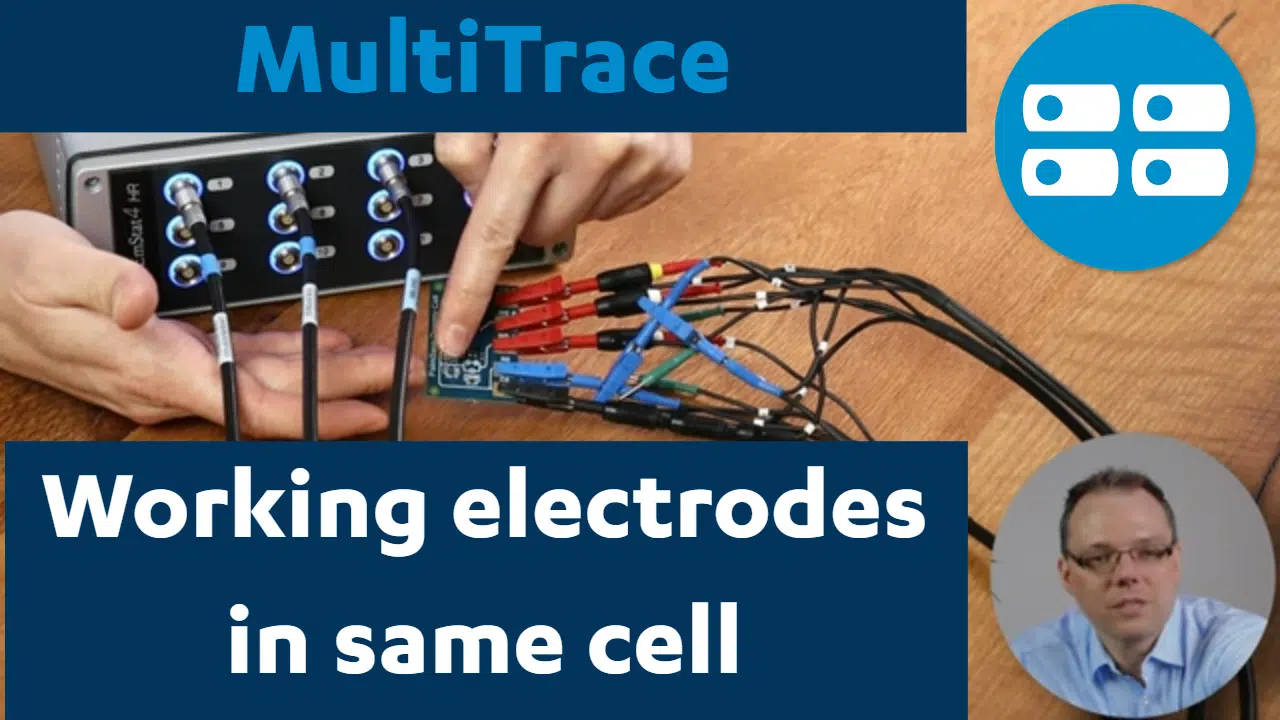
MultiTrace Tutorial #5: Multiple Working Electrodes in the Same Cell
Measuring multiple working electrodes in the same cell is possible. This tutorial video will show you how to connect the electrodes and how to use MultiTrace. MultiTrace allows yo...
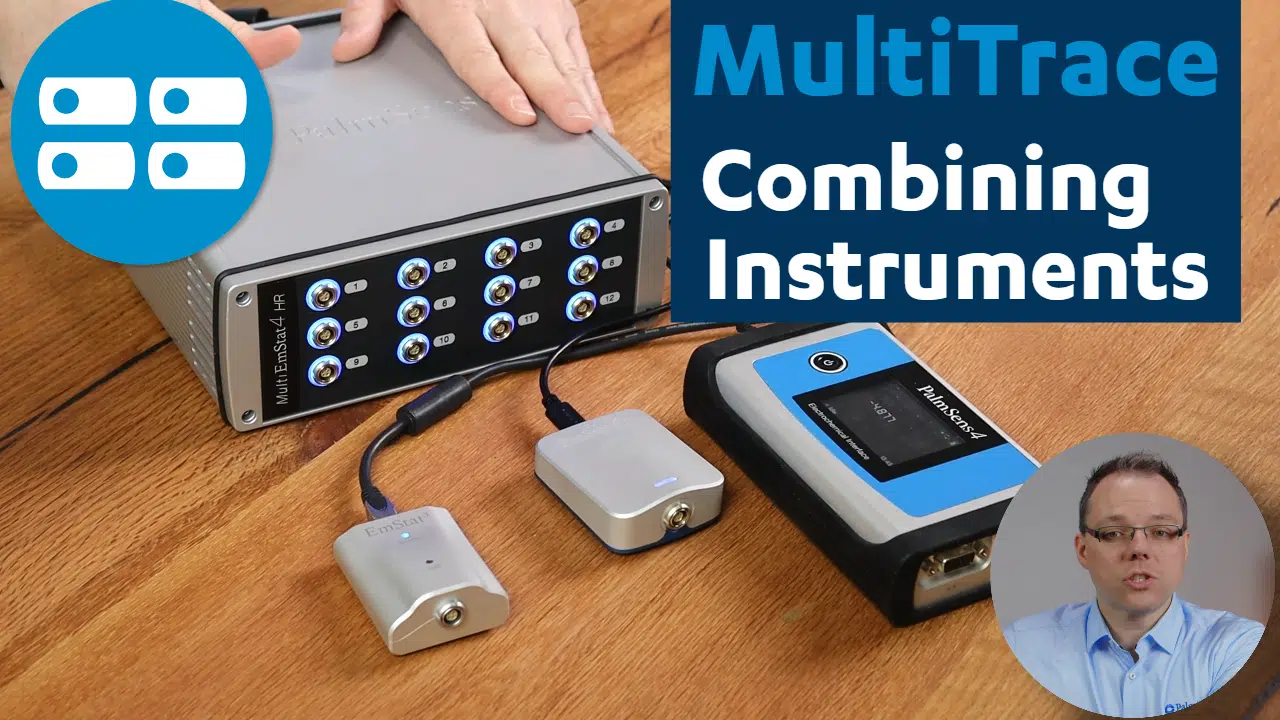
MultiTrace Tutorial #4: combining multiple potentiostats
MultiTrace allows you to control multiple PalmSens potentiostats / galvanostats / impedance analyzers. This can be a multichannel device such as the MultiPalmSens4, or multiple si...
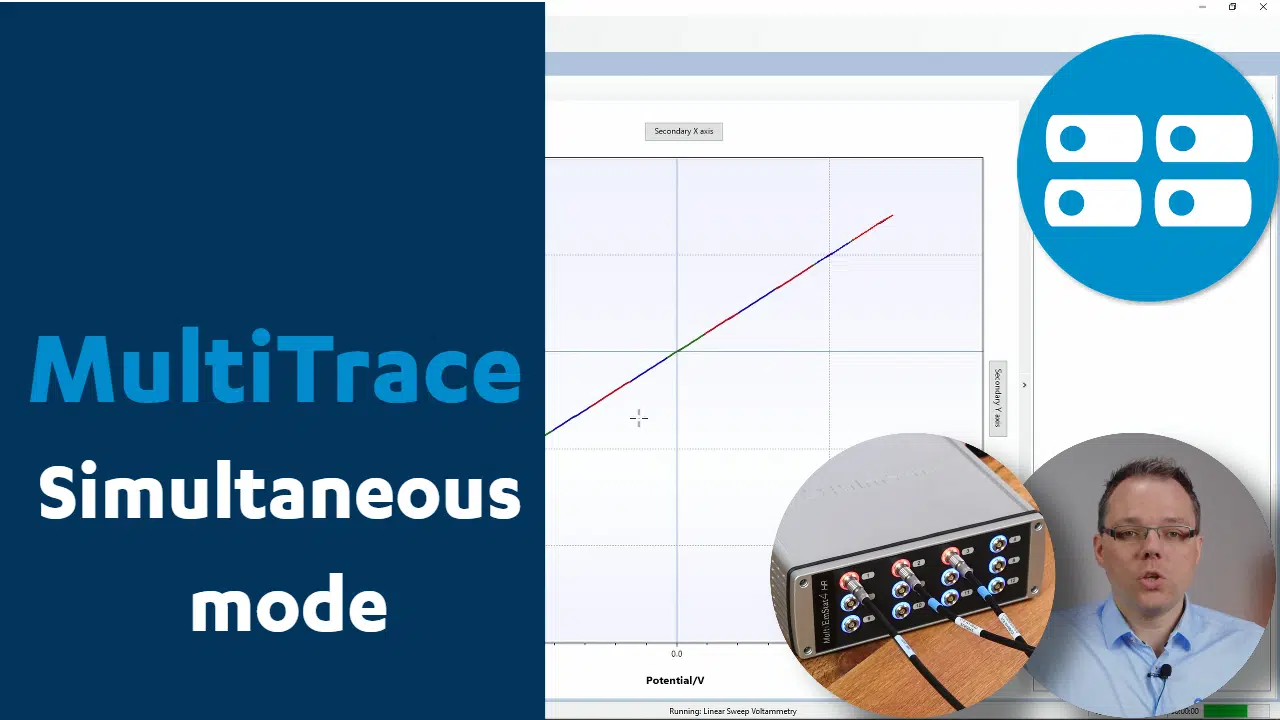
MultiTrace Tutorial #3: simultaneously control multiple potentiostats
Potentiostat channels can synchronously perform the same measurements. Learn how in this tutorial. MultiTrace allows you to control multiple PalmSens potentiostats / galvanostats ...
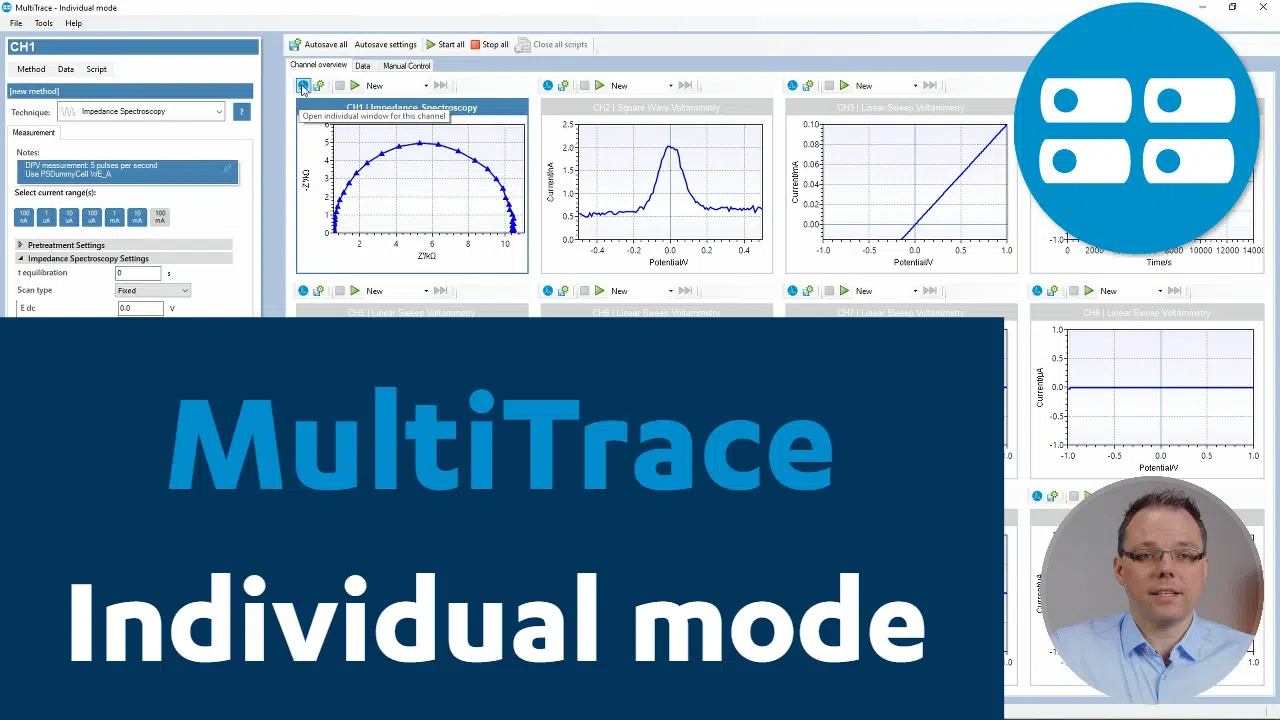
MultiTrace Tutorial #2: individually control multiple potentiostats
The individual mode in MultiTrace controls each potentiostat channel independent of all other channels. MultiTrace allows you to control multiple PalmSens potentiostats / galvanos...
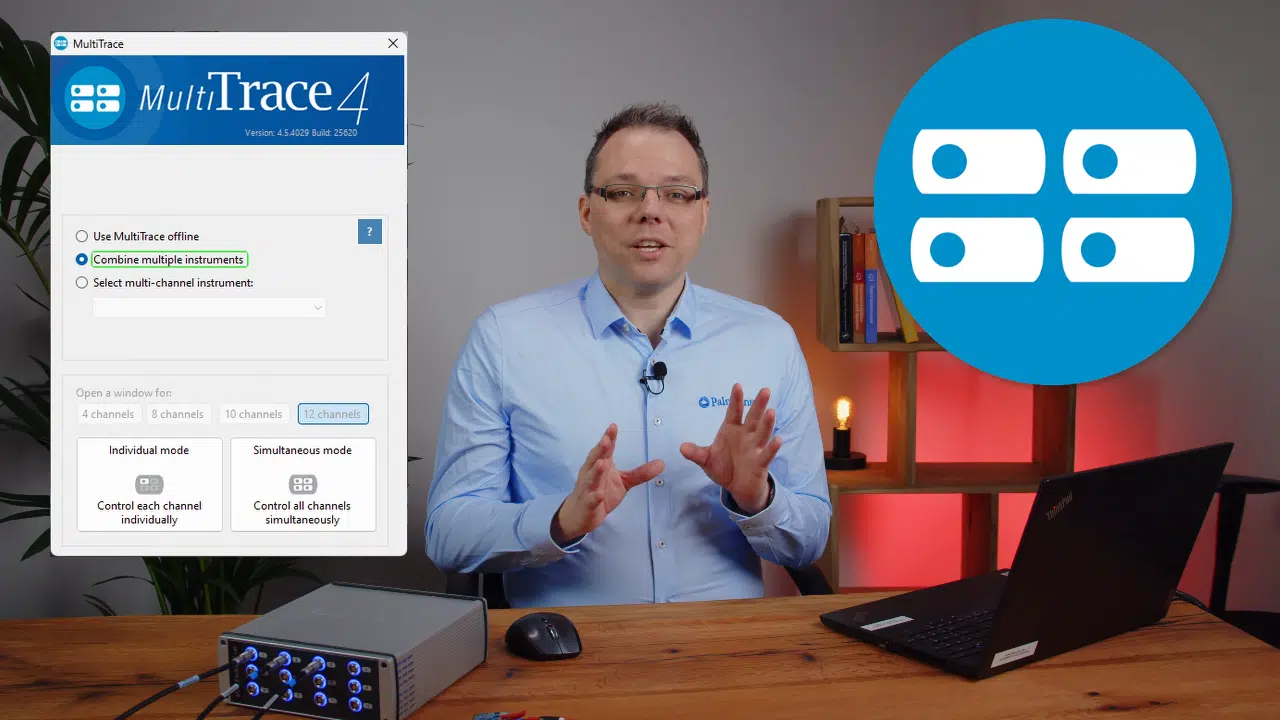
MultiTrace Tutorial #1: Starting Window
The starting window in MultiTrace allows you to choose between individual mode, simultaneous and mode. See how in this tutorial video. MultiTrace allows you to control multiple Pa...
PSTrace Tutorial #17: Corrosion Mode
Learn how to perform a Tafel plot analysis, perform a Butler-Volmer fit and circuit fitting in PSTrace’s Corrosion Mode. PSTrace is a software package that controls PalmSens...

PSTrace Tutorial #16: Analytical Mode
Perform standard addition and make calibration curves directly, using PSTrace. No more copying to and from Excel files anymore. PSTrace is a software package that controls PalmSen...

PSTrace Tutorial #15: Nyquist Plot
Learn how to switch to and use a Nyquist plot and compare it to a Border plot, using PSTrace. PSTrace is a software package that controls PalmSens potentiostats. Download PSTrace ...

PSTrace Tutorial #14: EIS Parameters
Learn how to perform an Electrochemical Impedance Spectroscopy (EIS) measurement, using PSTrace. PSTrace is a software package that controls PalmSens potentiostats. Download PSTra...

PSTrace Tutorial #13: Cyclic Voltammetry
Learn how to perform Cyclic Voltammetry, using PSTrace. PSTrace is a software package that controls PalmSens potentiostats. Download PSTrace here. ...

PSTrace Tutorial #12: Internal Storage
Never lose data again: learn how to save measurements on the potentiostat’s internal storage, using PSTrace. PSTrace is a software package that controls PalmSens potentiosta...

PSTrace Tutorial #11: Renaming Curves
Learn how to rename your curves in PSTrace. PSTrace is a software package that controls PalmSens potentiostats. Download PSTrace here. ...